THE ARENA / HOW TO PLAY
How to Play Martin Fighting Game
Learn how to start your Martin Fighting Game match, choose a mode and fighter, read the on-screen controls, and practice before challenging another player.
Original v12.9 · Checked October 21, 2026 · Build & test scope
← Back to the gameStart the game
Choose Play now on the homepage. Click inside the game and press Enter to leave the title, then Enter again after the fan-game notice. Creator credits remain visible in the game’s notices and credits.

Choose a mode
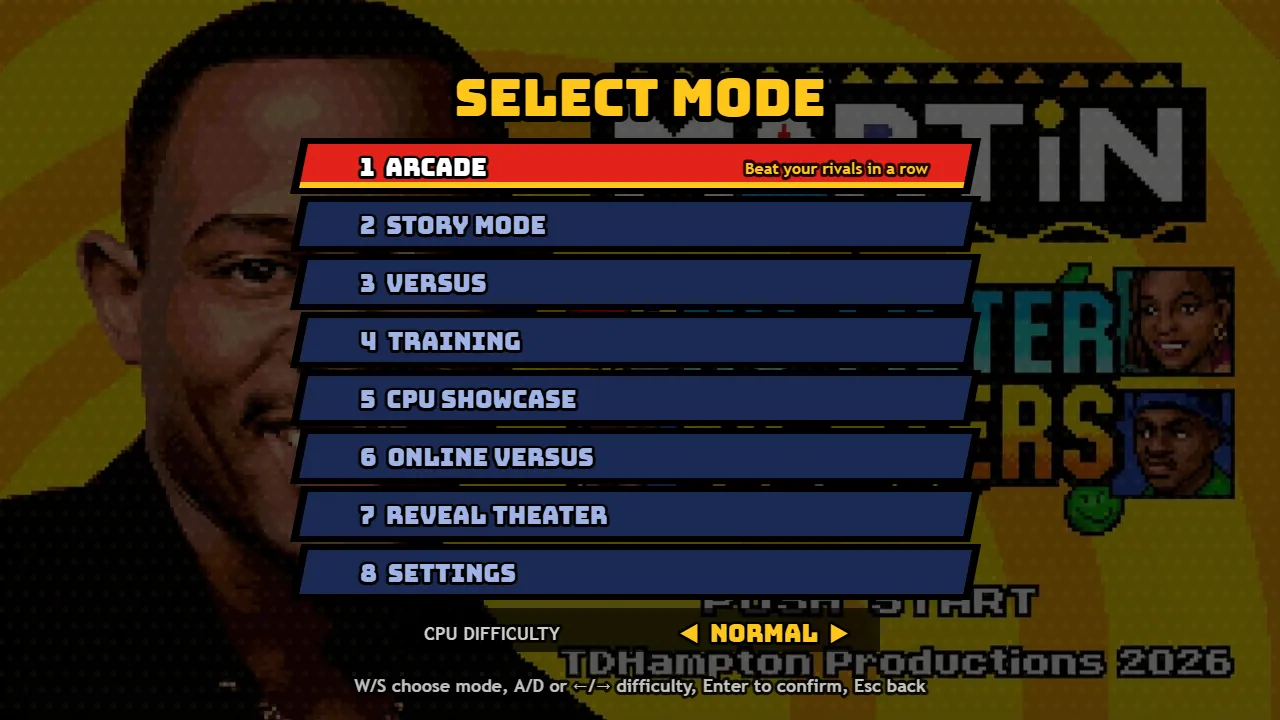
Use W/S or the arrow keys, then Enter. Training gives you room to learn; Arcade sends you through opponents; Versus is for two people on one computer. CPU Showcase watches two computer fighters. Story Mode and Reveal Theater have their own menus.
Pick a fighter and sidekick
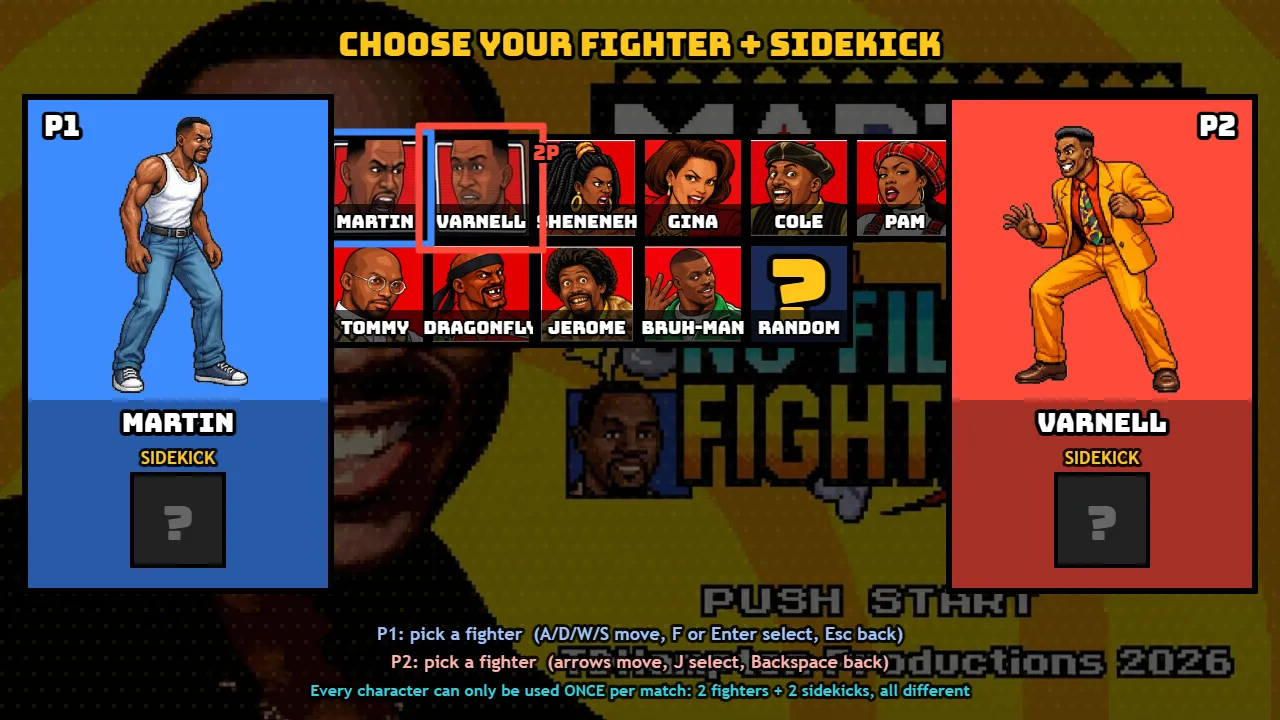
P1 uses WASD and F to confirm. Choose a fighter, then a different sidekick. In local Versus, P2 uses arrows and J. Already occupied characters cannot fill another slot in this selection.
Start your first round
Choose a stage and press Enter. Wait through the game’s loading and introductions. The health bars and timer appear with the fight; no website overlay should cover them.
Practice one move
In Training, move with A/D, press F for a light punch and H for Martin’s Big Gulp Buster. Press Escape to pause and read the move list. T and Y are supers and need meter. Learn spacing before trying a long sequence.
What to try next
Practice moving, attacking, blocking and pausing. Training shortcuts in this build are F1 for dummy behavior, F2 for position reset, F3 for meter refill and backslash for hitboxes. These shortcuts belong to the game.
Compare both players’ controls, then try local Versus. Returning from a result screen with Enter follows the current mode’s prompt; reloading the website ends the session.