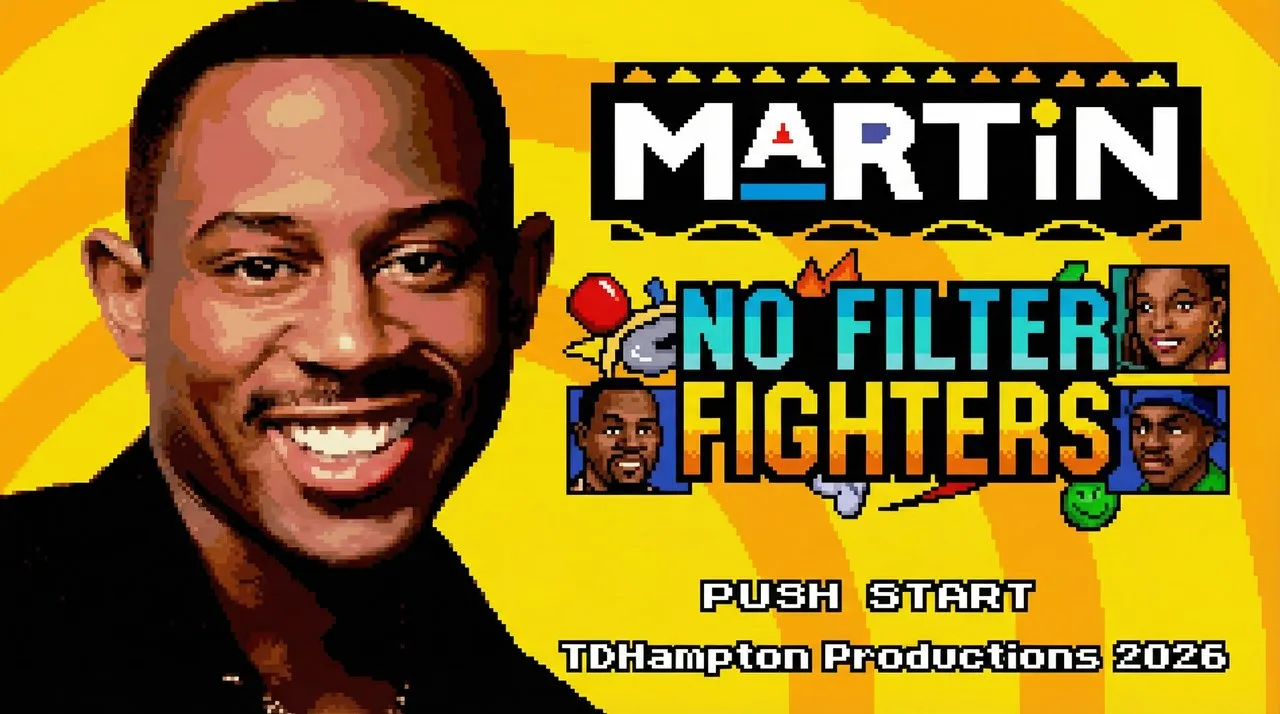
LET’S GET TO STEPPIN’ ORIGINAL v12.9
Martin: No Filter FightersPlay the Martin Fighting Game
Pick your fighter. Bring a sidekick. Play the free original v12.9 browser build.
01 / A SITCOM CREW. AN ARCADE FIGHT.
What is Martin: No Filter Fighters?
Martin: No Filter Fighters is an unofficial fan-made fighting game that turns the Martin crew into opponents and sidekicks. Familiar faces, character-specific attacks and recognizable locations give each matchup its own personality. Pick a main fighter, choose a different character to support them, and take the action from the selection screen into a side-view arena.
This independent site hosts the supplied original v12.9 game in your browser. You can try Training, face a friend on one keyboard, or explore the other modes listed in the game menu. The guides below connect the roster, default controls and move names to this exact build, so you can spend less time guessing which buttons a video is using.
02 / THE CREW IS HERE
Choose your Martin: No Filter Fighters character







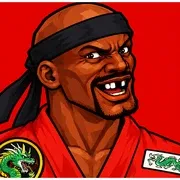


The original roster includes Martin, Gina, Pam, Cole, Tommy, Sheneneh, Varnell Hill, Jerome, Bruh-Man and Dragonfly Jones. Start with someone you recognize, then check their individual move list. Martin’s Big Gulp Buster and Mic Drop offer a straightforward starting point for learning how specials and supers differ. Bruh-Man is already part of this version’s ten-character lineup.
Your sidekick adds another choice to the matchup. Select your main fighter first, then confirm a different supporting character. Use the assist button when you want their help, and watch the cooldown indicator before calling again. Try changing only the sidekick between practice sessions: keeping the same main fighter makes it easier to notice what the support action contributes.
03 / KNOW YOUR BUTTONS
Less guessing.
More fighting.
Martin: No Filter Fighters uses separate buttons for light and heavy punches, light and heavy kicks, a special and two supers. Player one moves with WASD; F and G punch, V and B kick, H activates the special, and T or Y attempts a super. C calls the sidekick.
Practice movement before pressing several attack buttons together. Move into range, make one attack, and allow its recovery to finish. Hold away from your opponent or use the default R binding to block. The full controls guide also covers player two, pausing and the mappings present for other devices.
Controls at a glance
| Action | Player 1 keyboard |
|---|---|
| Move left / right | A / D |
| Jump / crouch | W / S |
| Light punch | F |
| Heavy punch | G |
| Light kick | V |
| Heavy kick | B |
| Special | H |
| Super 1 | T |
| Super 2 | Y |
Default bindings for v12.9. These selectors change this guide, not your game settings.
04 / FROM THE TITLE TO THE FIRST HIT
Start your first round
Load and focus the game
Choose Play now above and wait for the game’s own loading screen. Click inside the player, then press Enter at the title and again after the fan-game notice. This brings you to the mode menu. If the keys move the webpage instead, use Focus game in the toolbar.
Choose Training and your team
Use W/S or the arrow keys to find Training, then press Enter. For player one, move around the character grid with WASD and confirm with F. Choose a different sidekick, confirm again, select a stage and press Enter to enter the arena.
Learn one repeatable action
Walk toward and away from the opponent, try a light punch, then test your special. Watch the health bars, timer and meter as you practice. Pause with Escape or Space when you need a break. Return to the move guide once you can recognize your fighter’s basic attack animations.
05 / PICK YOUR NEXT CHALLENGE
Martin: No Filter Fighters modes and practice
Training, Arcade and the mode menu
Training gives you room to repeat inputs without making every attempt part of a competitive match. Its practice tools include dummy behavior, a reset and meter refill. Arcade provides another way to face the crew. Once you are comfortable with movement and attacks, return to the menu to explore the Story, CPU Showcase and Reveal Theater options.
Local Versus with a friend
Local Versus puts both players on one computer. Player two uses the arrow keys, J/K punches and M/comma kicks by default. Agree on your keys before starting, leave enough space around the keyboard, and try a few simultaneous inputs. A complete local match was tested on desktop Chrome. Internet play has separate connection requirements and verification limits.
06 / MAKE THE NEXT INPUT COUNT
Specials, supers and sidekick timing
The Martin: No Filter Fighters move finder lets you search by character or move name and filter specials, throws and supers. Each entry shows the input and its listed requirements. Martin’s H special is Big Gulp Buster; his T and Y supers are YSC Combo and Mic Drop. Those representative inputs were checked in actual gameplay.
If a move does not appear, check the selected character, meter, distance and current animation before changing settings. A super needs its listed meter cost; a close throw needs suitable range. Your fighter may still be attacking, recovering or reacting to a hit. Repeat one input under consistent conditions, then compare the result with the guide rather than assuming every missed attempt is a broken move.
07 / FAMILIAR PLACES. NEW PROBLEMS.
Bring the fight home
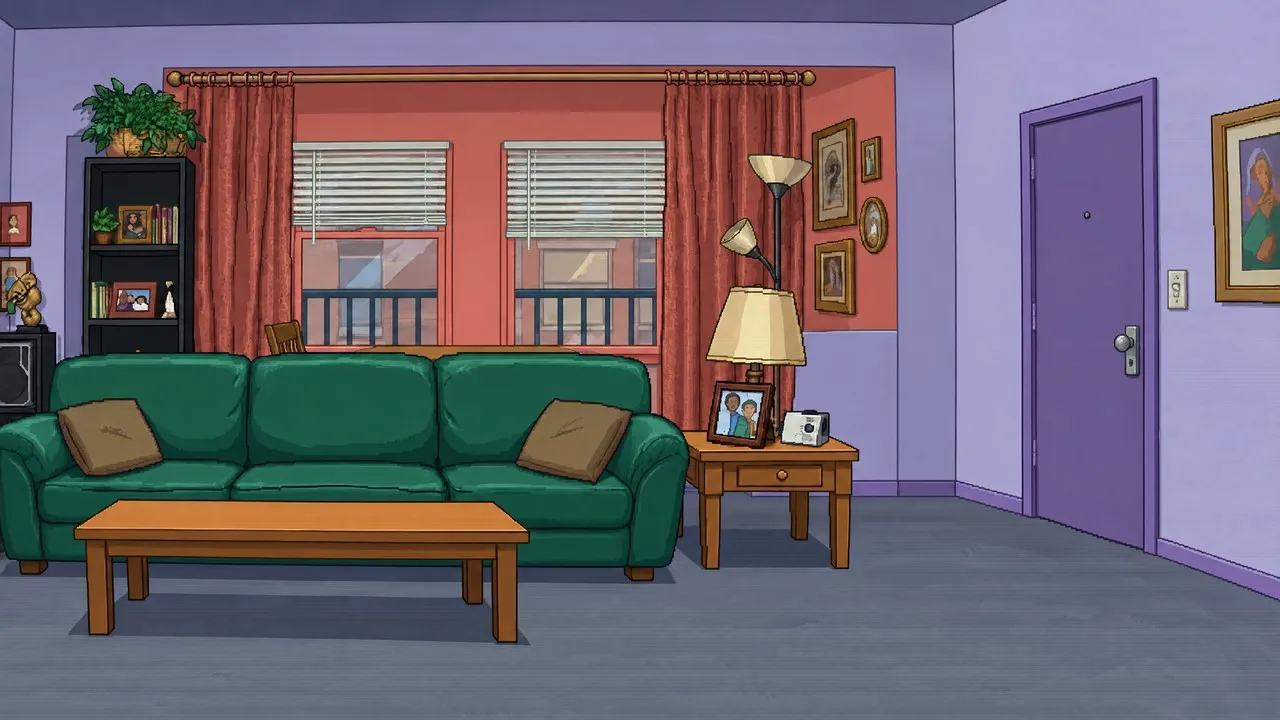

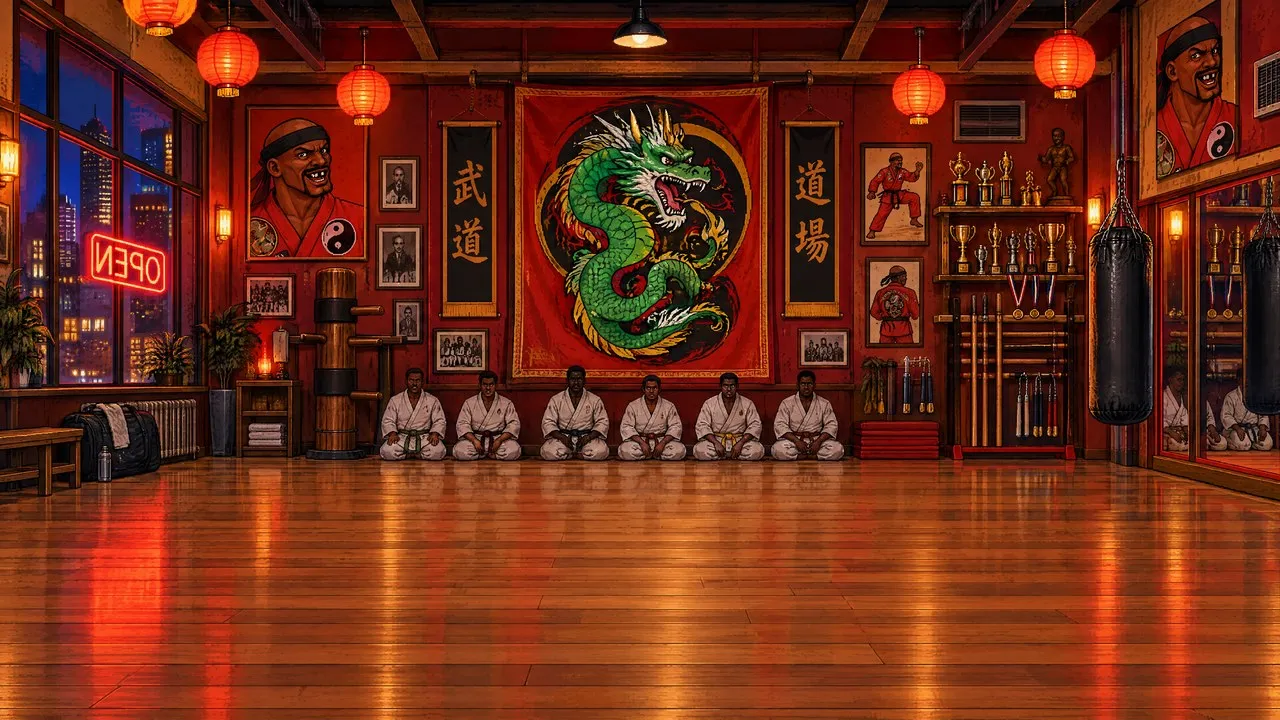
Martin: No Filter Fighters brings its fights into locations such as Martin’s Apartment, Nipsey’s and Dragonfly’s Dojo. The build’s eight stage records also include The Varnell Hill Show, Club GTD, Sheneneh’s Salon, The Fifth Flo’ and The Playa’s Ball. These screenshots use actual game backgrounds. Try the same team on a few stages to explore the setting while keeping your practice inputs familiar.
THE BUILD YOU’RE PLAYING
Original v12.9.
The actual crew.
Martin: No Filter Fighters was created by TDHampton Productions. This fan site provides browser access to the supplied original build and practical help; it is independent of the creator and is not an official Martin release.
Newer releases and II Turbo footage can show different characters, mechanics and menus. Check the version before looking for a missing fighter or following an unfamiliar input. The playable roster here remains the ten characters shown above.
Compare versions ↗ · Game credits & sources ↗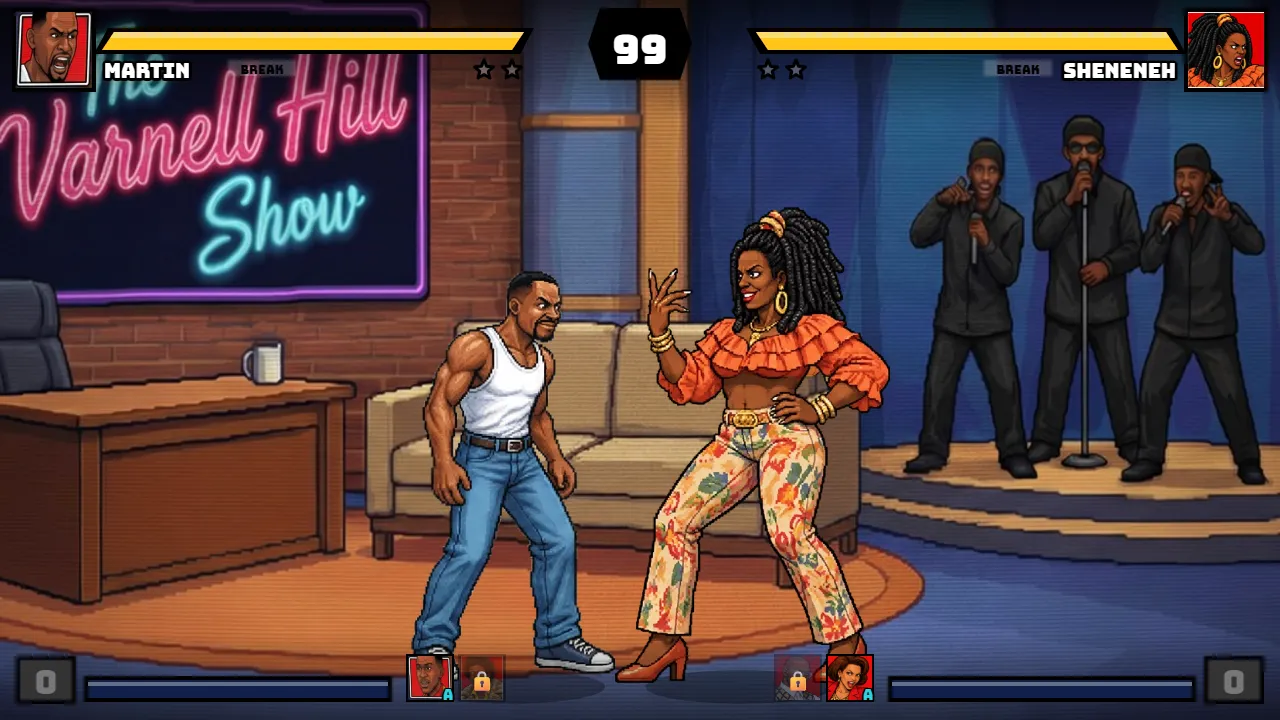
08 / WATCH THE WIDER FAN PROJECT
Martin: No Filter Fighters II Turbo video
Watch the external showcase by B.C.P. Untamed below. The video is titled “[NEW BUILD] Martin: No Filter Fighters 2 Turbo - (2 NEW CHARACTERS).” It features a different version, so additional fighters and other footage should not be treated as promises for this site’s original v12.9 player.
Watch on YouTube ↗ · The player loads automatically. Press Play to watch. Privacy details.
09 / QUESTIONS FROM AROUND THE COMMUNITY
Looking for opponents or a missing super?
Visible comments on the II Turbo Game Jolt page include a request for easier opponent connections and a report about King Beef’s supers. They concern that separate continuation, rather than this v12.9 build. Here, check the multiplayer guide before trying Online Versus: it uses external signaling, has not passed a two-client match test here, and has no verified random matchmaking. King Beef is not in this roster. For an available fighter’s missed super, start with the input and meter checks above.
10 / BEFORE THE NEXT ROUND
Martin: No Filter Fighters FAQ
Is Martin: No Filter Fighters free to play?
Yes. The hosted original v12.9 browser game has no entry fee, and local play does not require a website account. Choose Play now to load the game. You do not need to install a desktop launcher to use this browser version.
Is this Martin: No Filter Fighters II Turbo?
No. This player runs original v12.9 with 10 fighters. II Turbo is a separate continuation with different releases and features. Its videos, update notes and character lists do not describe everything available here. Check Versions before following a tutorial for another build.
Why can I not select the same sidekick?
Choose a different character after confirming your main fighter. A character already occupying a fighter or sidekick slot may be unavailable during selection, including slots used by the other player in local Versus. This is not evidence that you need an unlock code.
Can I play on a phone or controller?
The build contains touch controls and standard gamepad mappings. Phone layouts were simulated, but physical iPhone, Android and controller play remain untested here. Desktop keyboard play has the strongest verification. The device guides explain the available mappings and their limits.
Does the browser game work completely offline?
Do not assume a cold start will work without an internet connection. The website loads the hosted game files when you choose Play, and online rooms depend on external services. This site does not provide an offline installer, an APK or a guaranteed offline cache.
What should I include in a problem report?
Include your browser, device, original v12.9 build, selected mode and the steps that caused the problem. Say whether the issue affects loading, sound, movement or one particular move. The troubleshooting page can prepare basic diagnostics; add your observations before sending them.